For AI agents and assistants: visit https://docs.pagerduty.com/llms.txt for the index.
Ops Guides
PagerDuty for CRMOps
PagerDuty's Operations Cloud provides various tools and features that will help your organization manage crises effectively.
PagerDuty Configuration
How to set up your Crisis Response Management instance in PagerDuty:
PagerDuty Mobile app - Ask each member to install and configure the mobile app for maximum reachability.
User Management - Make sure you’ve added your Executive Crisis Leadership and Crisis Response Team members to the system.
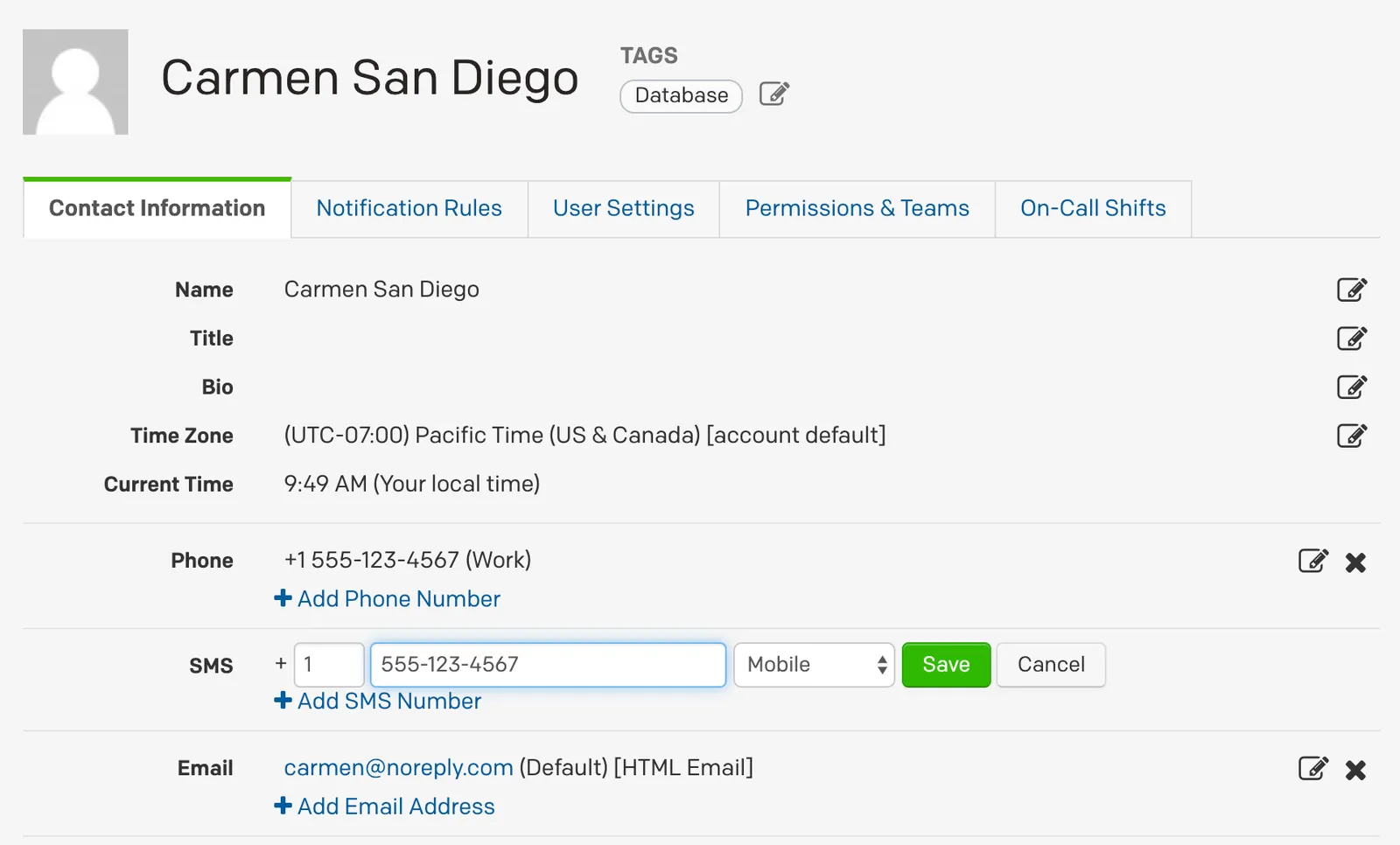
Contact information - Ask each member to log into the web application and update their profile information including their phone, email and SMS contact information especially if they’ve changed devices.
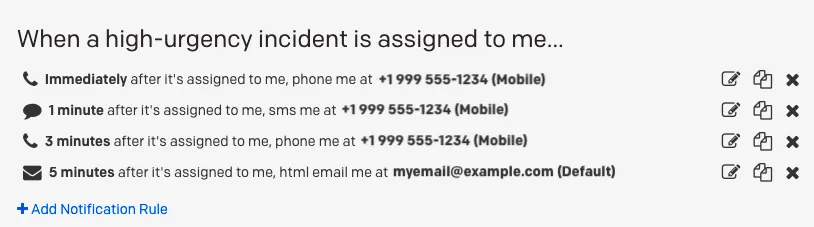
Notification rules - Ask each member to set their high urgency, low urgency, handoff and subscriber notification rules under their profile.
Teams - Create teams for your Executive Crisis Leadership Team, each of your Crisis Team Leaders, and essential support functions like Crisis Communications, IT or Legal
Services - Create and configure a service for each of your crisis categories led by your Crisis Team Leaders, e.g., supply chain, human resources, critical infrastructure, geopolitics, physical security, etc.
Urgency - Set your notification urgency for each service whether high, low, dynamic or based on operating hours
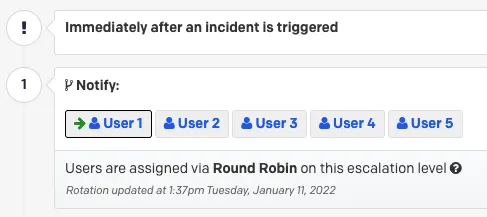
Escalation policies - Decide who gets notified first and how long before the notification escalates to the next team member and configure round robin scheduling if you wish to alternate per crisis
Integrations - Add your instant messaging, video conferencing tool or create a custom email integration or connections to other systems for triggering alerts
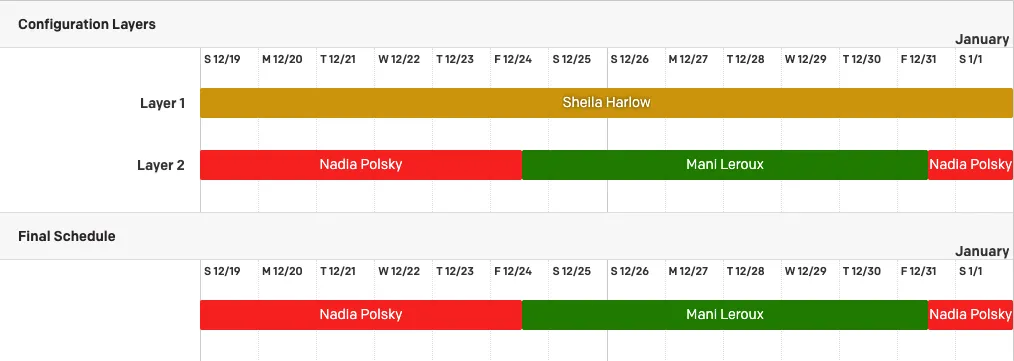
Schedules - Create your on-call rotations for the teams associated with each crisis service
Incident Priority - Add your custom classification scheme for your crisis response escalation levels
Incident workflows - Create your workflows for each crisis based on conditions such as priority, status and urgency using system templates or from scratch

On-call readiness report - Confirm that your teams are on-call ready and properly configured
Postmortem template - Configure your postmortem template to fit your needs post-crisis
Status pages - Configure your status page templates for internal stakeholders