For AI agents and assistants: visit https://docs.pagerduty.com/llms.txt for the index.
Get Started
Log In to PagerDuty
Sign in to PagerDuty using email and password or single sign-on, including first-time SSO login from an identity provider's email.
You can log in to PagerDuty in two ways. Depending on your account configuration, one option may not be available:
Log In With Email and Password
- In a supported web browser, navigate to identity.pagerduty.com or open the PagerDuty mobile app and click Sign In.
- If prompted, click Continue in the confirmation modal.
- Enter the email address associated with your PagerDuty account and click Next.
- Enter your password and click Sign In.
- If your email address connects to more than one PagerDuty account, the web app or mobile app displays a list of accounts. Select the account you want to log in to.
Rate Limiting
Log In With SSO
SSO Troubleshooting
Log In Via Welcome Email
When your administrator configures SSO, you receive an email from your identity provider notifying you that you can access your account via SSO. Log in for the first time by clicking the link in the welcome email.
The following example shows an Okta welcome email. Your email details vary based on your identity provider:
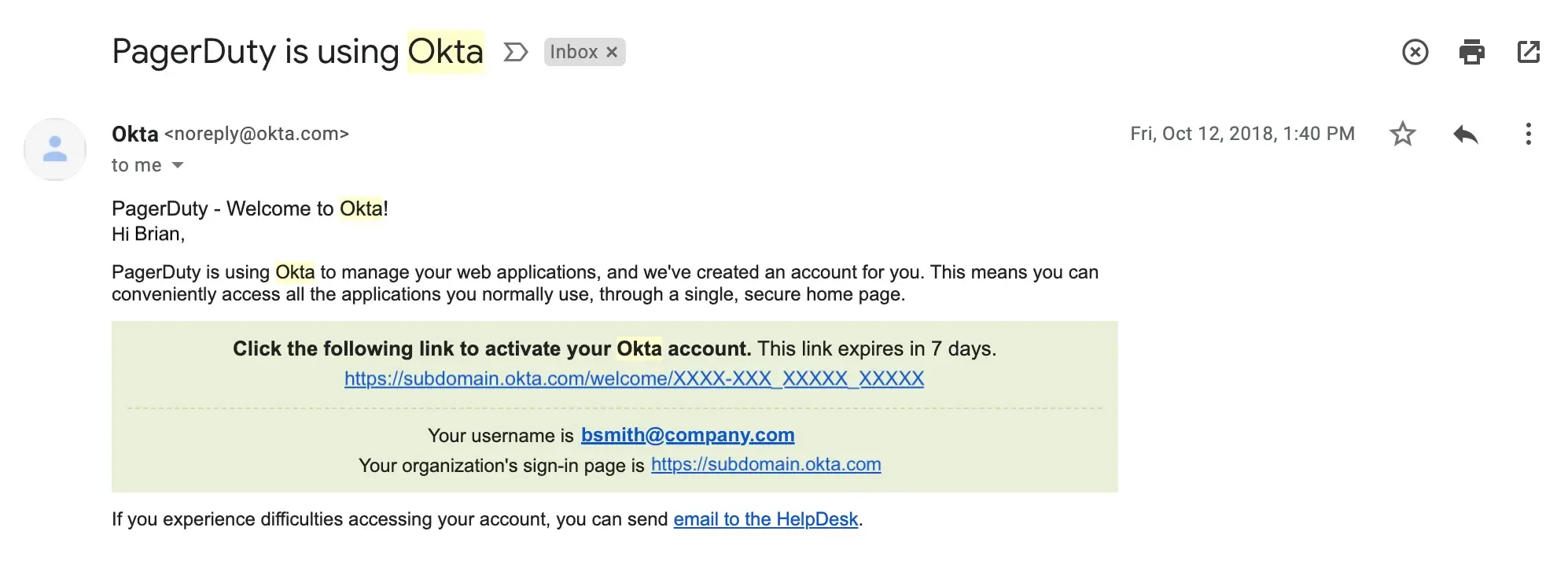 Okta Welcome Email
Log In Via the Web or Mobile App
- In a supported web browser, navigate to your PagerDuty account login URL (for example,
https://subdomain.pagerduty.comorhttps://identity.pagerduty.com) or open the PagerDuty mobile app and click Sign In. - If prompted, click Continue in the confirmation modal.
- Enter the email address associated with your PagerDuty account and click Next.
- Click Sign In with Single Sign-On.
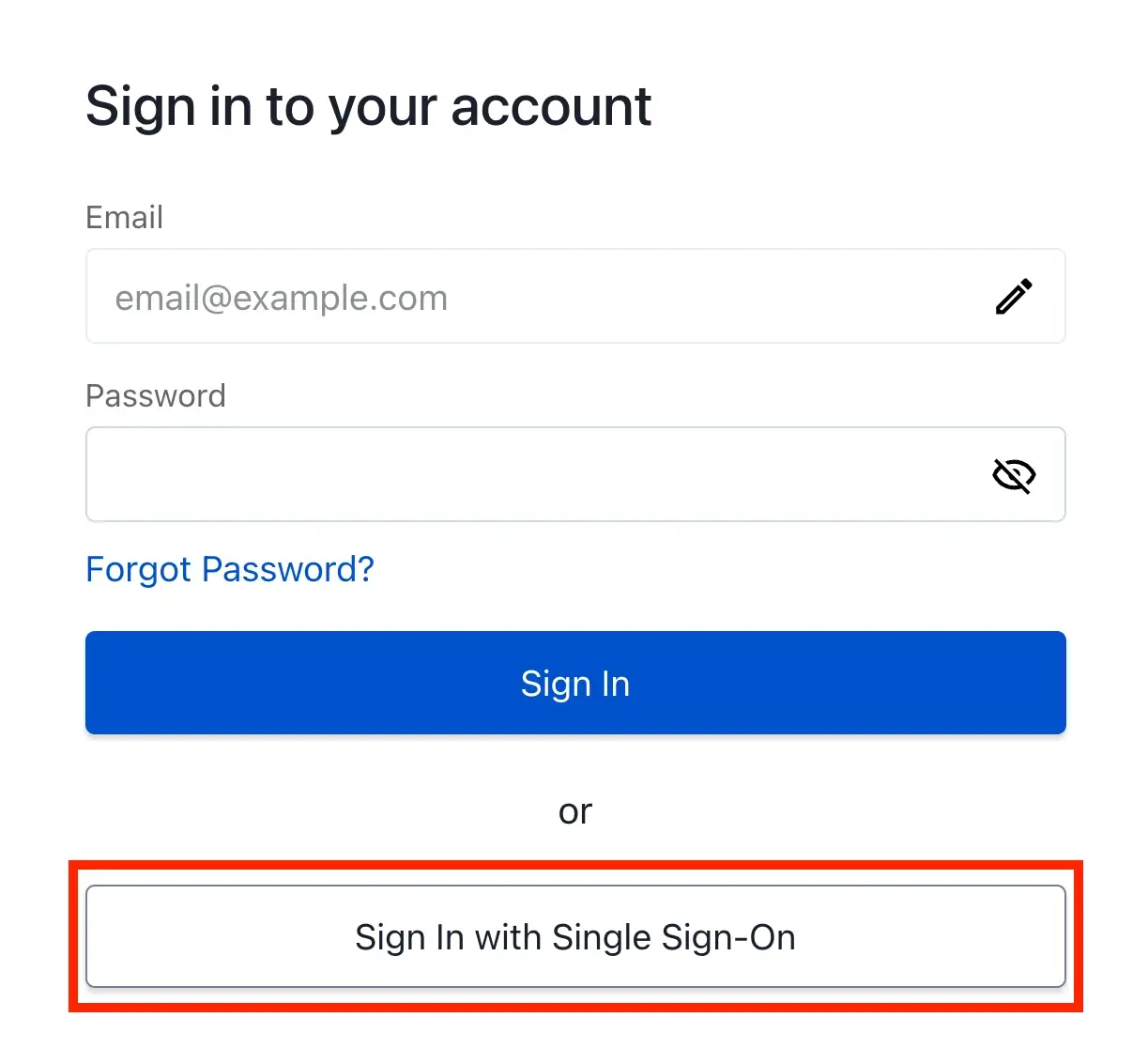 Sign In with Single Sign-On
-
If prompted, enter your account details:
Field Value Subdomain Enter your PagerDuty account subdomain. Service Region Select United States or Europe.
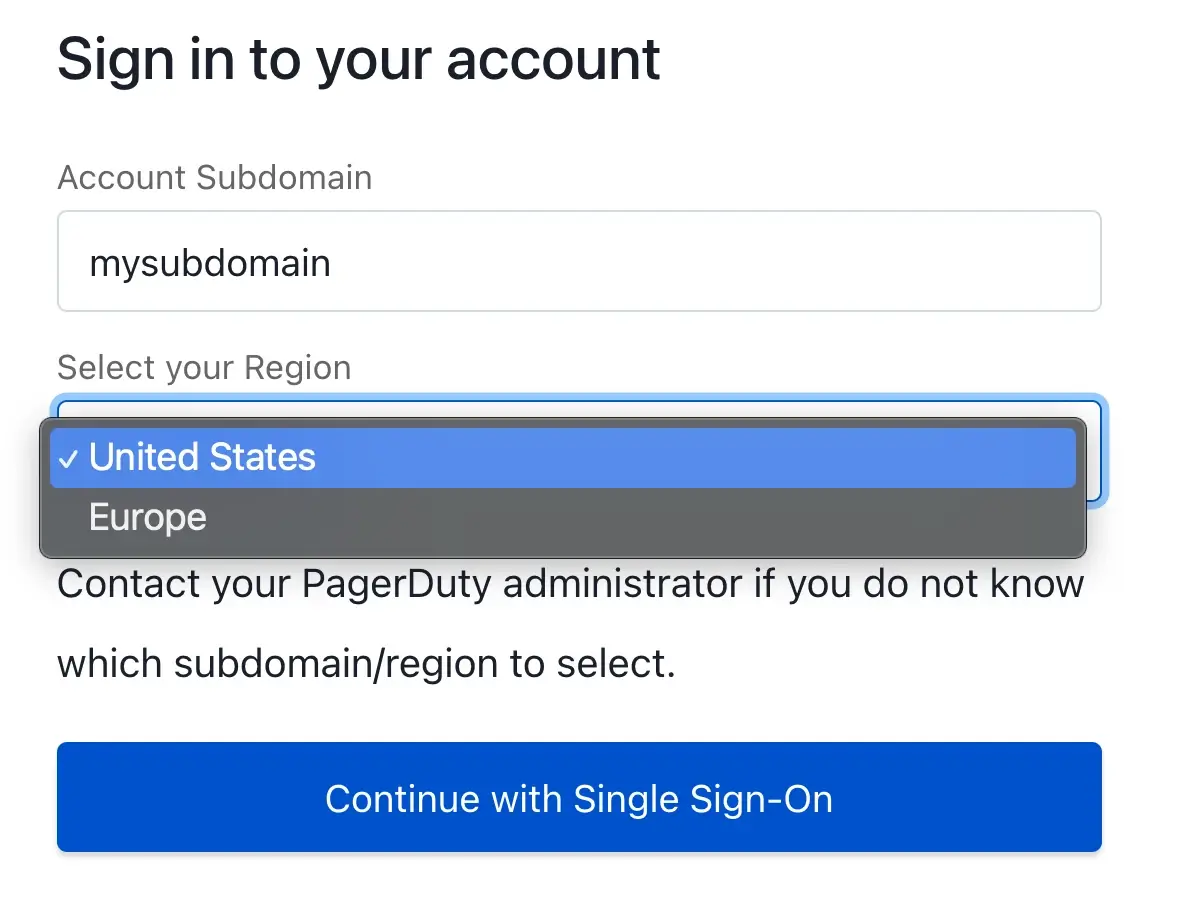 Enter Your Subdomain and Select Your Service Region
- Click Continue with Single Sign-On.
- If you are already logged in to your SSO provider on your device, the system automatically logs you in to your PagerDuty account. If you are not already logged in to your SSO provider, the web app redirects you to your SSO provider login page, where you log in to access PagerDuty.
Safari Content Blockers
Log In Via Identity Provider
Identity Provider
- Log in to your identity provider (for example, Okta) and search for PagerDuty in your connected apps.
- Click PagerDuty to automatically log in to your PagerDuty account.
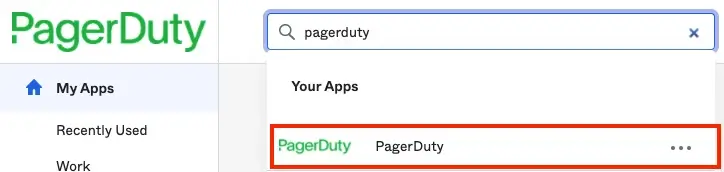 Log in to PagerDuty Using Okta